

Quick answer: Your garage door beeps before it closes because something other than a person at the door is closing it. The four common reasons are timer-to-close is turned on, someone closed it from an app like myQ or Aladdin Connect, a smart hub, schedule, voice assistant, or delivery service triggered it, or the close was interrupted and the system is still warning you. Federal safety rules require a sound and a flashing light for at least 5 seconds before any unattended close. You can turn off the features that trigger it, but not the warning itself.
Key Takeaways
- The beep means an unattended close. Closing the door from the wall button or a remote while you’re standing there normally doesn’t trigger it.
- The warning is required. Federal rules call for an audible and visual alarm for at least 5 seconds before an unattended door moves. Chamberlain Security+ 2.0 openers beep for 8 seconds before a timer close and keep beeping until the door is down.
- Four things trigger it: timer-to-close, an app, a smart hub or connected service, or a close that didn’t finish.
- You can turn off timer-to-close or stop closing remotely, but you can’t mute the warning. Never disconnect the buzzer or cover the light.
- If the door reverses during an unattended close, clear the path and close it once from the wall button. Repeated failed attempts can lock out remote closing until someone uses a control at the door.
- Unattended closing only belongs on sectional or sliding doors with working safety sensors. Test yours regularly.
Reason 1: Timer-to-Close Is Turned On
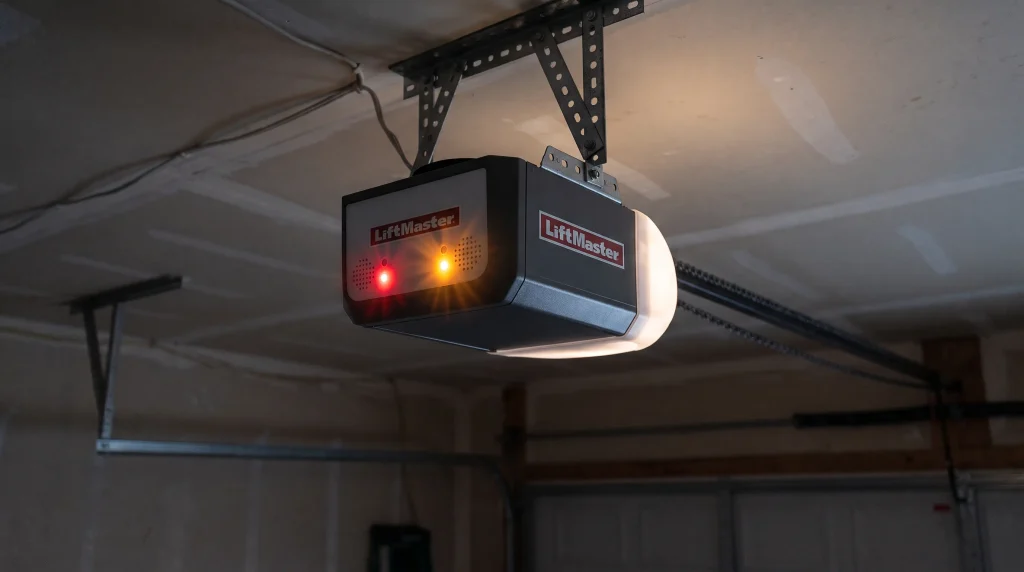
How timer-to-close makes a garage door beep and close on its own
What you’ll notice: A few minutes after the door opens, the opener lights flash and the opener beeps, then the door closes by itself. It happens after roughly the same delay every time.
Why it happens: Timer-to-close automatically shuts the door after a set time. On Chamberlain Security+ 2.0 openers with this feature, the opener beeps for eight seconds before the door closes and keeps beeping until it’s fully closed. Chamberlain’s support guide describes steady beeping as the sign that the door is closing on its own. Depending on the model, the timer is set from a compatible wall control or from the app.
How to fix it:
- Check your wall control for a timer-to-close setting or button.
- Open your opener’s app and look for a timer-to-close or auto-close option.
- Turn the timer off, or lengthen the delay if you like the feature but it closes too soon.
- If you use the timer, make it a habit to glance at the door when you hear the warning.
Not every beep is a closing warning. A single beep every 30 seconds with the door sitting still is the battery backup talking, and we cover that in Why Does My Garage Door Opener Beep Every 30 Seconds? 5 Steps to Fix a Low Backup Battery.
Call a pro if: the door keeps closing on a timer after you’ve turned the feature off, or you can’t find the setting on your wall control. Our garage door opener service can set up or turn off timer-to-close for you.
Reason 2: Someone Closed the Door From an App
Why a garage door beeps when closed with myQ or Aladdin Connect
What you’ll notice: Beeping and flashing lights, then the door closes while nobody is in the garage.
Why it happens: Someone sent a close command from a smartphone app. When the myQ app is used to close the door through a myQ hub or smart garage control, the device beeps and flashes a light as a safety warning. Genie’s Aladdin Connect works the same way: the light flashes and a beep sounds whenever the app is about to move the door, and Genie confirms that the sound can’t be shut off because UL standards require it.
How to fix it:
- Check the app for recent activity or notifications to see who closed the door and when.
- Review everyone with access. Genie’s app, for example, lets you set up virtual keys for individual users, so remove anyone who no longer needs access.
- Update your account password if you see activity you don’t recognize.
- If app closing stopped working after an outage, your router or hub may still be reconnecting. If the opener itself is beeping about every 2 seconds, it’s running on battery power, which we explain in Why Is My Garage Door Opener Beeping After a Power Outage? 6 Things to Check.
Want app control but have an older opener without Wi-Fi? A garage door opener installation of a smart model gives you app control and the required warning built in.
Call a pro if: the door closes from the app and nobody on your account sent the command.
Reason 3: A Smart Hub, Schedule, Voice Assistant, or Delivery Service Closed It
How smart garage hubs and home automation trigger the closing warning
What you’ll notice: The warning goes off at a set time, when a package arrives, or after a voice command, and the sound may come from a small box mounted near the opener instead of the opener itself.
Why it happens: Retrofit hubs like the myQ Smart Garage Hub and Aladdin Connect add app control to existing openers, and they give the same warning before a remote close. These systems can also connect to other services. Aladdin Connect works with voice assistants like Alexa and Google Assistant and supports Amazon In-Garage Delivery, and myQ supports in-garage delivery through Amazon Key and Walmart+. Any of those can send a close command, and each one triggers the warning.
How to fix it:
- Check your app for scheduled closes or auto-close rules.
- Review your voice assistant routines for anything that closes the garage.
- Check any in-garage delivery service you’ve enabled. A driver closing the door after a drop-off will trigger the warning.
- Look at home automation apps connected to your garage, and remove any you no longer use.
myQ is Chamberlain’s platform, and you’ll find hub setup and troubleshooting help starting from Chamberlain’s official website.
Call a pro if: the closes don’t match any schedule, routine, or delivery, or you’d like help choosing between a retrofit hub and a new opener.
Reason 4: The Close Was Interrupted or the Hub Has a Problem
Why a garage door keeps beeping or reverses during an automatic close
What you’ll notice: The beeping keeps going longer than usual, the door starts down and reverses, or the app stops closing the door at all.
Why it happens: Something stopped the close. A blocked or misaligned safety sensor, or an object under the door, will send the door back up. Industry guidance on UL 325 also requires a lockout: if an unattended close fails twice because of an obstruction or safety reversal, the system has to ignore further remote close commands until someone uses a control at the door. With a myQ hub, continuous beeping can also mean the door sensor fell off the top panel, the hub needs to be re-paired, or the door came loose from the opener’s trolley.
How to fix it:
- Clear anything from under the door and along the tracks.
- Wipe both safety sensor lenses and make sure the sensors line up. Our guide on how to fix common garage door safety issues walks through sensor problems.
- Close the door once from the wall button to clear any remote-close lockout.
- Check that the hub’s door sensor is still attached to the top panel, and replace its battery if the app shows a low battery warning.
- Re-pair the hub in the app. For Genie Aladdin Connect door sensors, re-pairing steps are available through Genie’s official store and support site.
- If you hear the opener run but the door doesn’t move, reconnect the door to the trolley.
If the beeping you’re hearing doesn’t match any of these four reasons, our master guide, Why Is My Garage Door Opener Beeping? 7 Common Causes and How to Stop It, covers every type of opener beep.
Call a pro if: the door keeps reversing with nothing in the way, or the hub won’t stay paired after you’ve re-paired it.
Can You Turn Off the Beep Before Your Garage Door Closes?
Why the garage door closing warning can’t be muted
Short answer: You can turn off the features that cause it, but you can’t turn off the warning. Under federal rules, an opener that closes a door unattended must give both an audible and a visual alarm for at least 5 seconds before the door starts closing, and the sound has to be loud enough to hear inside the garage. You can read the full rule, 16 CFR § 1211.14, through Cornell Law School’s Legal Information Institute.
The rules also limit where unattended closing can be used. It isn’t permitted on one-piece or swinging garage doors, and it has to be turned on through a deliberate setup step, like setting a switch on the wall control. The opener also needs a secondary safety system, such as photoelectric sensors.
What you can do instead:
- Turn off timer-to-close if the warning bothers you more than the feature helps.
- Stop using remote closing, and close the door with the wall button or your remote while you can see it.
- Keep the sensors working, since unattended closing depends on them. Our guide shows how to test your garage door’s safety features at home.
What not to do: Don’t disconnect the buzzer, cover the light, or add an uncertified device that skips the warning. It exists because nobody may be watching the door when it closes.
If your opener is old enough that it has no safety sensors, it shouldn’t be closing unattended at all. In that case, garage door opener replacement is the safe way to get timer or app closing.
DIY or Call a Pro? Garage Door Closing Warnings at a Glance
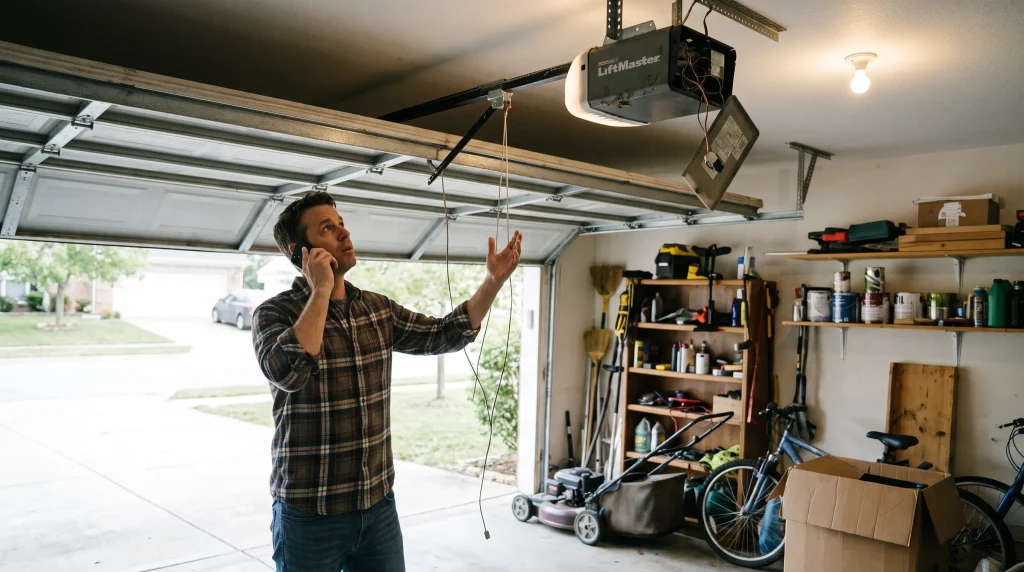
Which garage door beeping-before-closing problems can you fix yourself?
| What you hear or see | What it means | What to do | Call a pro when |
| Beeping and flashing lights, then the door closes a set time after opening | Timer-to-close is on | Turn off or adjust the timer | It keeps closing after you turn the timer off |
| Beeping and flashing lights, door closes while no one is home | Someone closed it from the app | Check the app’s activity and remove unused access | Nobody on the account sent the command |
| Warning goes off at a set time or during a delivery | A schedule, voice routine, or delivery service | Review schedules, routines, and connected services | The closes don’t match any setting |
| Door starts down, then reverses | Obstruction or sensor problem, which can lock out remote closing | Clear the path, clean the sensors, close once from the wall button | It keeps reversing with a clear path |
| Hub keeps beeping and the door doesn’t move | Door disconnected from the trolley or a hub sensor problem | Reconnect the door, remount the sensor, re-pair the hub | The motor runs but nothing moves, which can point to stripped opener gears |
| Single beep every 30 seconds, door not moving | Low backup battery, not a closing warning | Replace the backup battery | A new battery doesn’t stop it |
| Beep about every 2 seconds while the door moves | Opener is on battery power | Check house power, the outlet, the GFCI, and the breaker | Power is on but the opener stays on battery |
A door that won’t finish closing isn’t something to force. If the door reverses, strains, or makes grinding noises during a close, it needs garage door opener repair. Our list of garage door safety warning signs covers the other red flags worth watching for.
Keep the Warning, Lose the Surprises
Garage door opener help in Xenia, OH
The beep before your garage door closes is a feature, not a fault. Once you know which setting, app, or service is behind it, you can decide which features to keep. Power outages can knock your router and smart hub offline too, so if app closing stops working after a storm, check AES Ohio’s website for restoration updates before troubleshooting the hub.
If your door closes when it shouldn’t, reverses during automatic closes, or you want timer or app closing set up the right way, Dodson Garage Door can help. Contact our team to schedule a service visit today.
Frequently Asked Questions
How long does a garage door beep before it closes?
At least 5 seconds, since that's the federal minimum for an unattended close. The exact timing depends on the opener. Chamberlain's Security+ 2.0 openers beep for 8 seconds before a timer close and keep beeping until the door is down.
Can I turn off the beeping on my myQ or Aladdin Connect garage door?
No. The warning before an app or timer close is a safety requirement, and compliant systems won't let you disable it. You can turn off timer-to-close or stop closing the door remotely, which ends the warning for those closes.
Is it safe to disconnect the buzzer or cover the flashing light?
No. The sound and light are there because a person, pet, or car could be in the door's path when nobody is watching. On our service calls, we won't disable the warning on an opener that closes unattended, and we recommend turning off the feature instead if the beeping is a problem.
Why did my garage door close by itself?
Usually it's timer-to-close, an app user, a schedule, a voice routine, or an in-garage delivery. Check those first. Less often, a damaged wall button wire or a faulty control can send a signal on its own. In our experience, most "ghost" closes trace back to a timer or app setting someone forgot about.
Why does my garage door beep, start to close, and then go back up?
Something triggered the safety reversal, most often a blocked or misaligned sensor or an object under the door. Clear the path, clean the sensors, and close the door once from the wall button. After repeated failed remote closes, the system may ignore app commands until someone uses a control at the door.
Can I use timer-to-close on any garage door?
No. Unattended closing is only permitted on sectional garage doors and horizontally sliding doors, not one-piece or swinging doors. The opener also needs working safety sensors. If you're not sure what type of door you have, a technician can tell you in a few minutes.
Why does my smart garage hub beep when nobody is using the app?
Check for schedules, voice routines, and delivery services first, since any of them can send a close command. If the hub beeps continuously without the door moving, the door sensor may have fallen off, the hub may need to be re-paired, or the door may be disconnected from the trolley.
Is it safe to let my garage door close automatically?
Yes, as long as the opener and hub meet the safety requirements and the sensors work. Our rule of thumb from the field: test the sensors and the auto-reverse every month if you use timer or app closing, and keep kids' bikes, toys, and pet bowls out of the door's path.
How much does it cost to add timer-to-close or app control to my opener?
It depends on your opener. Many newer openers already have it built in, so it's just a setting. Adding a retrofit smart hub is a modest cost, while replacing an older opener with a smart model is a bigger investment. We'll quote the price before starting any work.